Sid Meier´s Civilization 6 Vikings Scenario Pack STEAM
Content: text (0 symbol)
Available: 31
Uploaded: 07.10.2025
Positive responses: 1
Negative responses: 0
Sold: 18
Refunds: 0
$0.8
⚠️ Important! This game requires the Steam version of Sid Meier´s Civilization VI.
Edition Type: STEAM KEY / RUSSIA / WORLD
🌎 This edition has no region restrictions and can be activated anywhere in the world.
🔹 Game Language: Russian (fully) / English
🔹 Release Date: December 21, 2016
🔹 Platform: Windows
🔹 Region: Region Free (any country, no restrictions)
🔹 Activation: Steam
==============================================
Become the leader of the Vikings and unite all of Europe under your powerful hand in the most detailed scenario for Sid Meier´s Civilization VI. The Vikings pack also includes three new natural wonders and six new city-states, two of which offer new improvements.
Six new city-states:
• Auckland (Industrial Center) – Increases production on coastal tiles
• Antananarivo (Cultural Center) – Provides a culture bonus that increases with each Great Person
• Arma (Religious Center) – Build a Monastery, which provides Faith and heals religious units
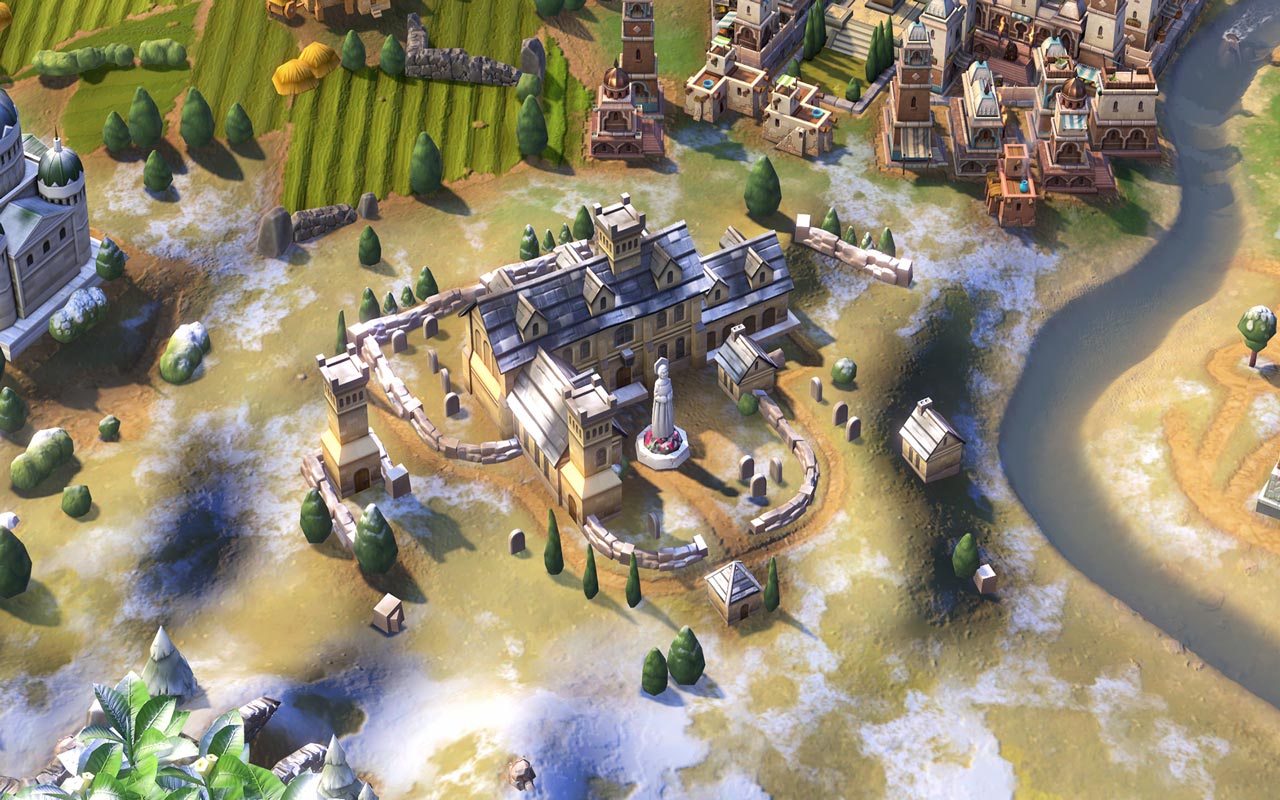
• Granada (Military Center) – Build an Alcazar, which provides Culture and Defense to military units
• Muscat (Commercial Center) – Increases Amenity in cities with a Commercial Center
• Palenque (Scientific Center) – Accelerates the growth of cities with a Campus
Journey into the Dark Ages and become a great ruler in the "Vikings, Merchants, and Invaders!" scenario:
• 100-turn limit (from 787 to 1087)
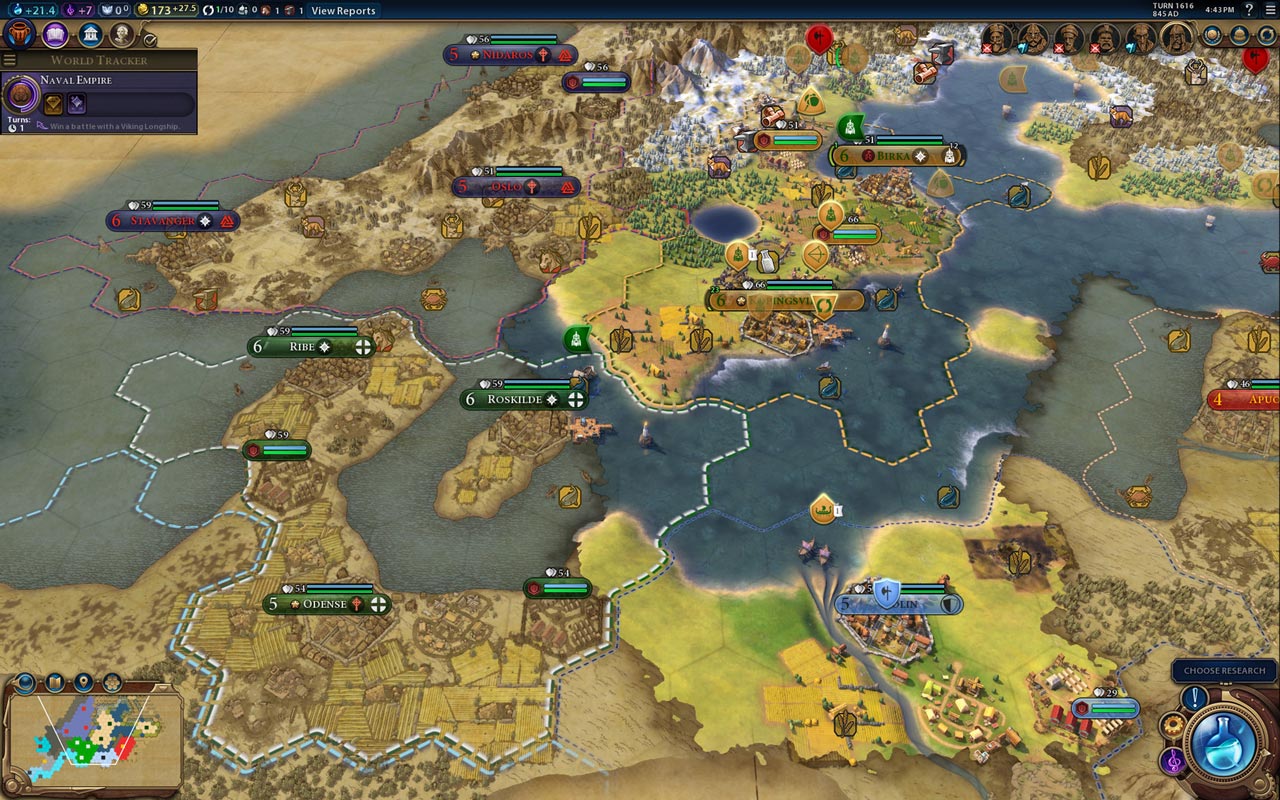
• Play as King Harald Hardrada of Norway, King Canute the Great of Denmark, or King Olaf of Sweden Shetkonunga
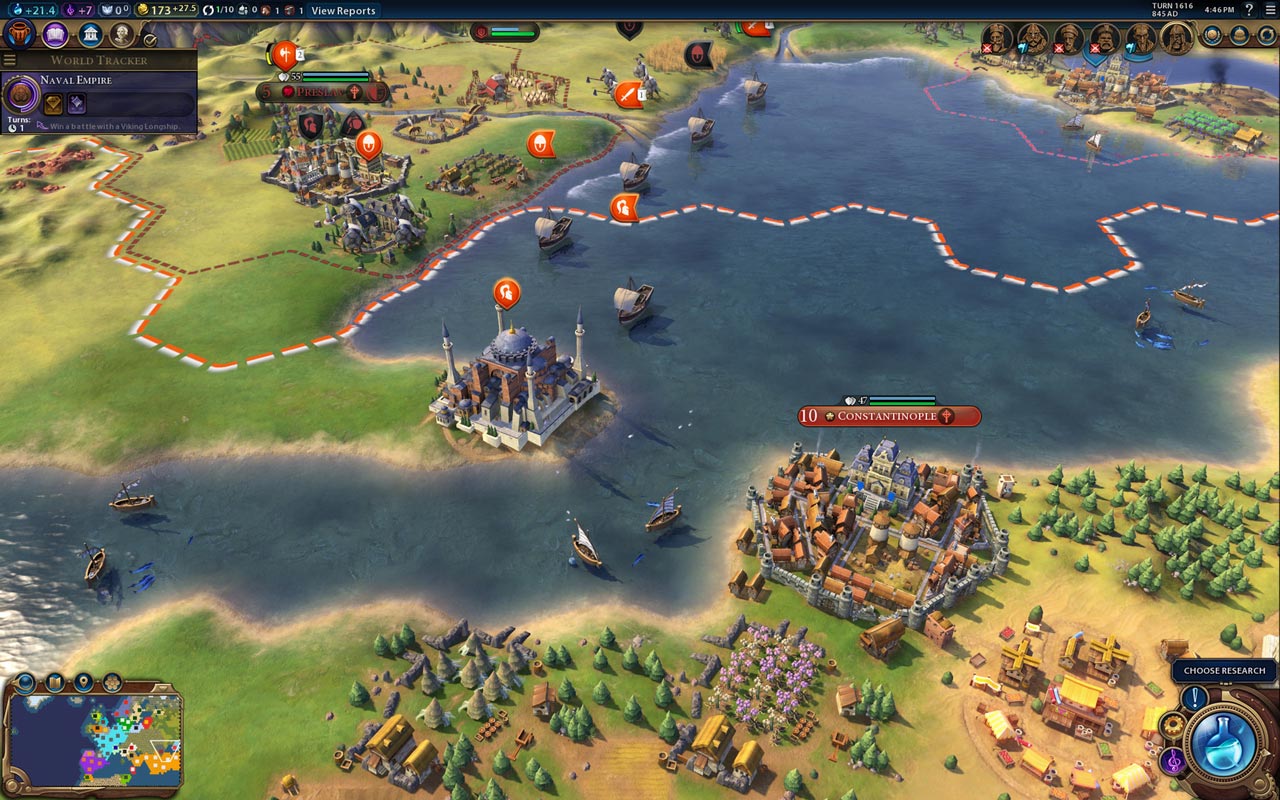
• Attack England from the sea, conquer Paris, discover Vinland, or sail through Gibraltar and seize rich spoils in the Mediterranean
• Build a trading empire and profit from your cities, or spread religion and strengthen the faith of your people
• The pack includes additional ruler visualizations
Three new natural wonders:
• Eyjafjallajökull
• Lysefjord
• Giant´s Causeway
===========================================
Activation
1. Download and install Steam http://steampowered.com/download/SteamInstall.msi (if not already installed)
2. Launch the Steam client
3. Create a new Steam account or log in to an existing one
4. Go to the "Games" section and select "Activate on Steam"
5. Enter the activation key you purchased.
6. The game will then appear in your list of games and can be installed.
Edition Type: STEAM KEY / RUSSIA / WORLD
🌎 This edition has no region restrictions and can be activated anywhere in the world.
🔹 Game Language: Russian (fully) / English
🔹 Release Date: December 21, 2016
🔹 Platform: Windows
🔹 Region: Region Free (any country, no restrictions)
🔹 Activation: Steam
==============================================
Become the leader of the Vikings and unite all of Europe under your powerful hand in the most detailed scenario for Sid Meier´s Civilization VI. The Vikings pack also includes three new natural wonders and six new city-states, two of which offer new improvements.
Six new city-states:
• Auckland (Industrial Center) – Increases production on coastal tiles
• Antananarivo (Cultural Center) – Provides a culture bonus that increases with each Great Person
• Arma (Religious Center) – Build a Monastery, which provides Faith and heals religious units
• Granada (Military Center) – Build an Alcazar, which provides Culture and Defense to military units
• Muscat (Commercial Center) – Increases Amenity in cities with a Commercial Center
• Palenque (Scientific Center) – Accelerates the growth of cities with a Campus
Journey into the Dark Ages and become a great ruler in the "Vikings, Merchants, and Invaders!" scenario:
• 100-turn limit (from 787 to 1087)
• Play as King Harald Hardrada of Norway, King Canute the Great of Denmark, or King Olaf of Sweden Shetkonunga
• Attack England from the sea, conquer Paris, discover Vinland, or sail through Gibraltar and seize rich spoils in the Mediterranean
• Build a trading empire and profit from your cities, or spread religion and strengthen the faith of your people
• The pack includes additional ruler visualizations
Three new natural wonders:
• Eyjafjallajökull
• Lysefjord
• Giant´s Causeway
===========================================
Activation
1. Download and install Steam http://steampowered.com/download/SteamInstall.msi (if not already installed)
2. Launch the Steam client
3. Create a new Steam account or log in to an existing one
4. Go to the "Games" section and select "Activate on Steam"
5. Enter the activation key you purchased.
6. The game will then appear in your list of games and can be installed.
! Before buying, please check the system requirements of the game and other parameters that interest you (they may change with time). This can be done on the sites Steam / Uplay / Origin or the official website of the publisher. Goods purchased by mistake, as well as unsuitable for system requirements or region of activation, can not be returned and exchanged!
Dear customers! Convincing request, if there are any problems with the purchased goods, do not leave a negative feedback immediately. Write us a message in the correspondence (the purchase page on the site Oplata.info). We will try to respond to your message as soon as possible and promptly solve the problem. We draw to the fact that the basis for the exchange or return of the purchased key (key), which gives an error when activated, can only be VIDEO RECORD of the purchase process and subsequent attempt to activate it (mandatory condition - the record should not contain editing features).
Our entire range: http://e-software.su/sel/467960
We will be grateful for every positive feedback you have left after the purchase. Sincerely, the project team "AlternativA".
Dear customers! Convincing request, if there are any problems with the purchased goods, do not leave a negative feedback immediately. Write us a message in the correspondence (the purchase page on the site Oplata.info). We will try to respond to your message as soon as possible and promptly solve the problem. We draw to the fact that the basis for the exchange or return of the purchased key (key), which gives an error when activated, can only be VIDEO RECORD of the purchase process and subsequent attempt to activate it (mandatory condition - the record should not contain editing features).
Our entire range: http://e-software.su/sel/467960
We will be grateful for every positive feedback you have left after the purchase. Sincerely, the project team "AlternativA".
24.12.2025 18:36:01
быстро благодарю