🎮 CS:GO Prime Status Upgrade | STEAM Gift RU 🚀 АВТО
Content: text (16 symbols)
Available: 1
Uploaded: 24.08.2025
Positive responses: 117
Negative responses: 0
Sold: 1998
Refunds: 4
$24.11
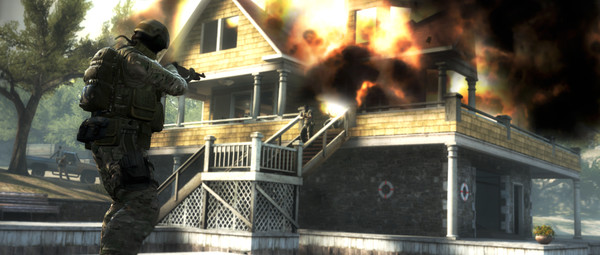
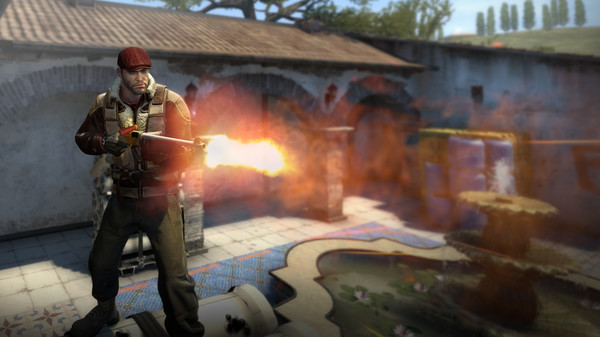
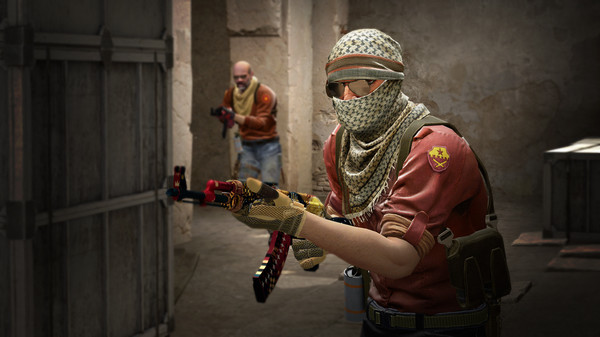
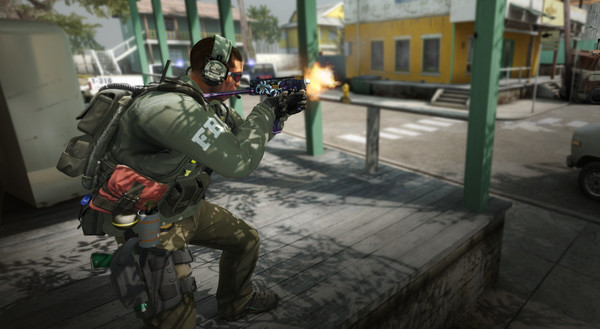
✅ Buy CS:GO Prime Status Upgrade Steam Gift! ✅
!Enter your Steam login and we will instantly top up your balance. After the top-up, you will receive detailed instructions for purchasing Prime Status Upgrade for CS GO 2.How to find your Steam account login? - https://docs.google.com/document/d/10UXRgsIrNqmhfeKu9A6EFMbOSmPdChLxMZX8b4kMuTg/edit?usp=sharing.
✈️ INSTANT BALANCE REPLENISHMENT AFTER PAYMENT!
The Steam balance will be replenished automatically by the bot immediately after payment. You will receive instructions to activate the Prime Status Upgrade on your account within minutes.
⚠️ IMPORTANT: Make sure you have entered the correct Steam login.The Steam balance will be replenished automatically by the bot immediately after payment. You will receive instructions to activate the Prime Status Upgrade on your account within minutes.
All actions are performed through the official Steam platform. If you have any difficulties replenishing your balance or activating Prime Status, please contact us through the specified contacts.
⏱️ How to get Prime Status:
Pay for the product.
After payment, enter your Steam login to top up your balance.
Go to the Steam website and activate Prime Status by following the instructions you receive.
You´re done! Prime Status is activated and you can enjoy the game.
Pay for the product.
After payment, enter your Steam login to top up your balance.
Go to the Steam website and activate Prime Status by following the instructions you receive.
You´re done! Prime Status is activated and you can enjoy the game.
26.05.2026 7:02:22
Отличный продавец, быстро ответил и помог!
11.05.2026 18:58:57
Большое спасибо. Все отлично
04.05.2026 19:23:09
Пополнили больше, чем нужно. Спасибо.
04.02.2026 20:09:27
Отличный продавец!
Рекомендую!)
Рекомендую!)
08.01.2026 20:58:26
Upd : Вопрос решился лояльно , продавец извинился , игра у меня
Вопрос закрыт , всем благо.